How to invite a friend
1
Open the referral program page
Click Get FREE traffic in the left navigation of the dashboard, or go straight to dashboard.nodemaven.com/referral-program. The page opens with the heading Referral program.
2
Copy and share your referral link
Your referral link is on that page. Anyone who signs up through the link is counted as your referral.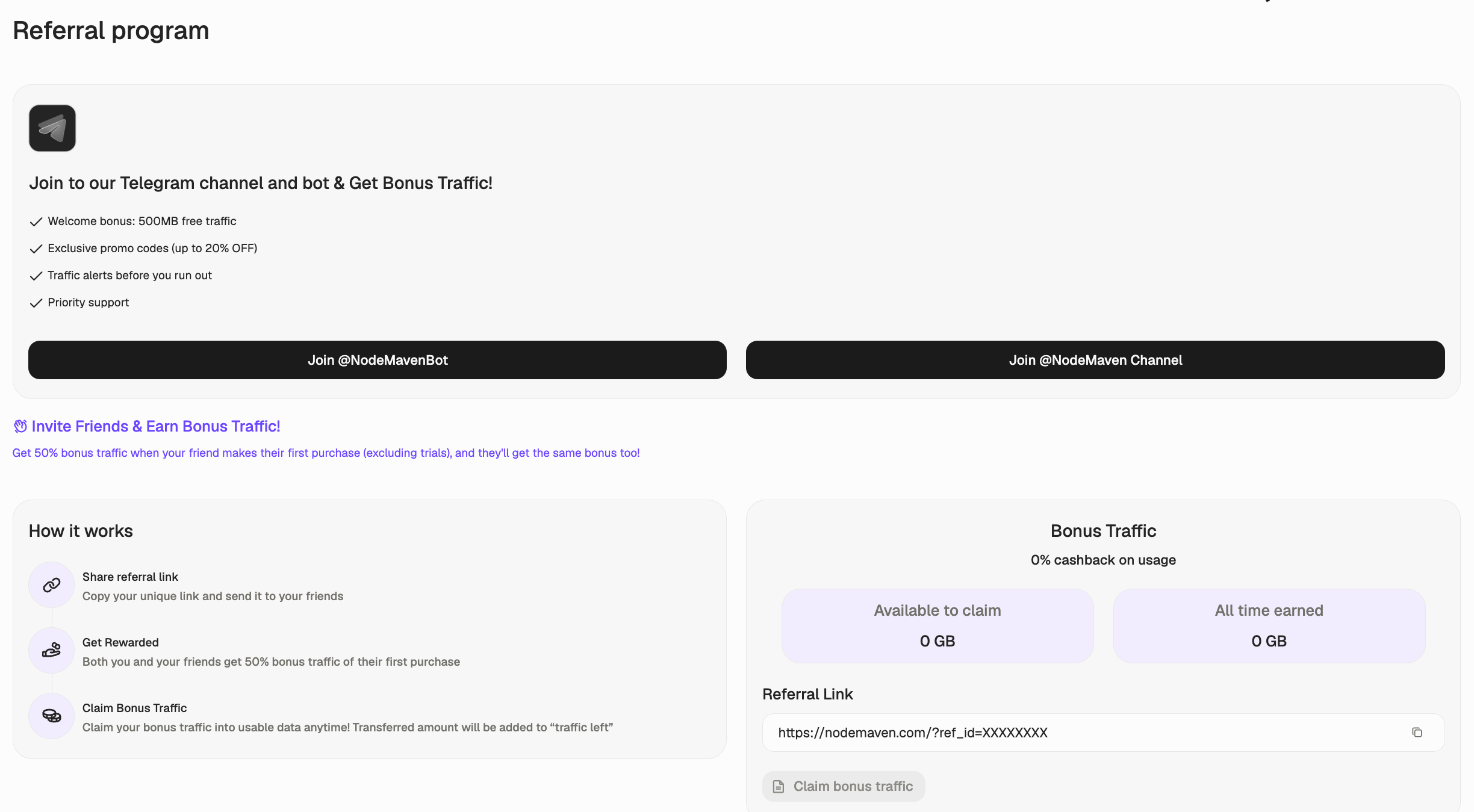
3
Claim your bonus traffic
You can claim your bonus traffic into usable data at any time. The amount you transfer is added to your Traffic balance.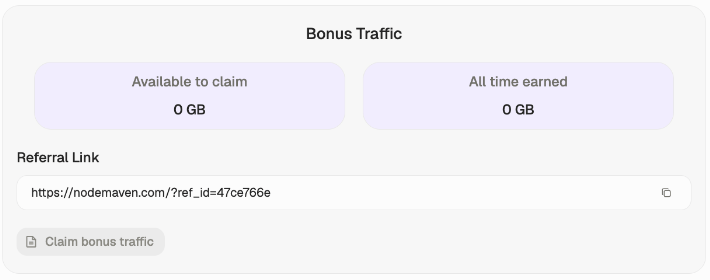
Where your bonus balance shows
The Bonus Traffic panel on the Get FREE traffic page shows two figures:
Bonus traffic sits separately until you claim it. Clicking Claim bonus traffic moves it into your Traffic balance (shown at the top right of the dashboard), where it is usable like any other traffic.
Other free traffic on the same page
The Get FREE traffic page carries more than the referral programme. Joining the NodeMaven Telegram channel and bot also gets you:- A welcome bonus of 500 MB of free traffic
- Exclusive promo codes, up to 20% off
- Traffic alerts before you run out
- Priority support
Checking your bonus history
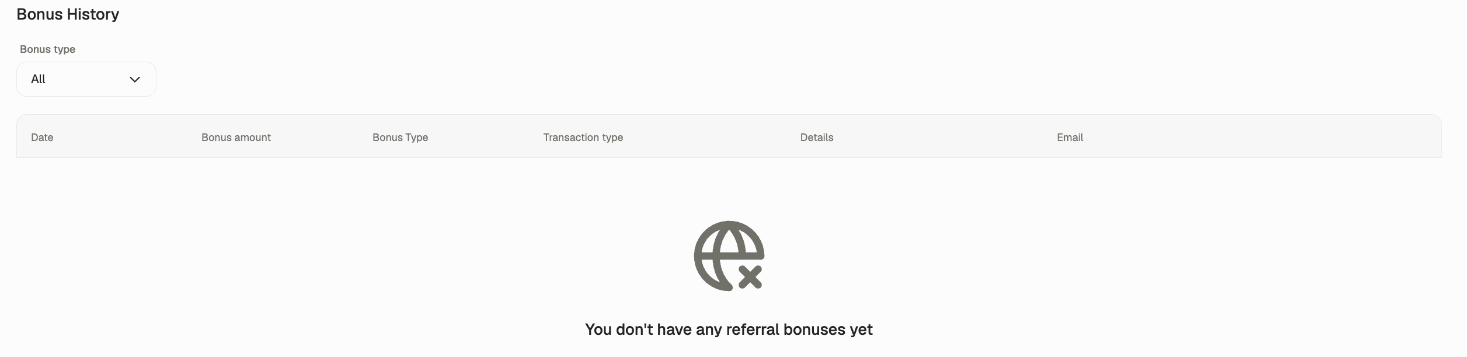
Bonus History at the bottom of the page lists every bonus with its date, amount, bonus type, transaction type, details and the email it relates to. Filter it with the Bonus type dropdown. Referral bonuses are not the only thing listed there. Monthly cashback on the traffic you have used appears in the same table.