

Build the command
To check a proxy with curl, use the protocol output format shown in the dashboard: Once you have your proxy, build the command line.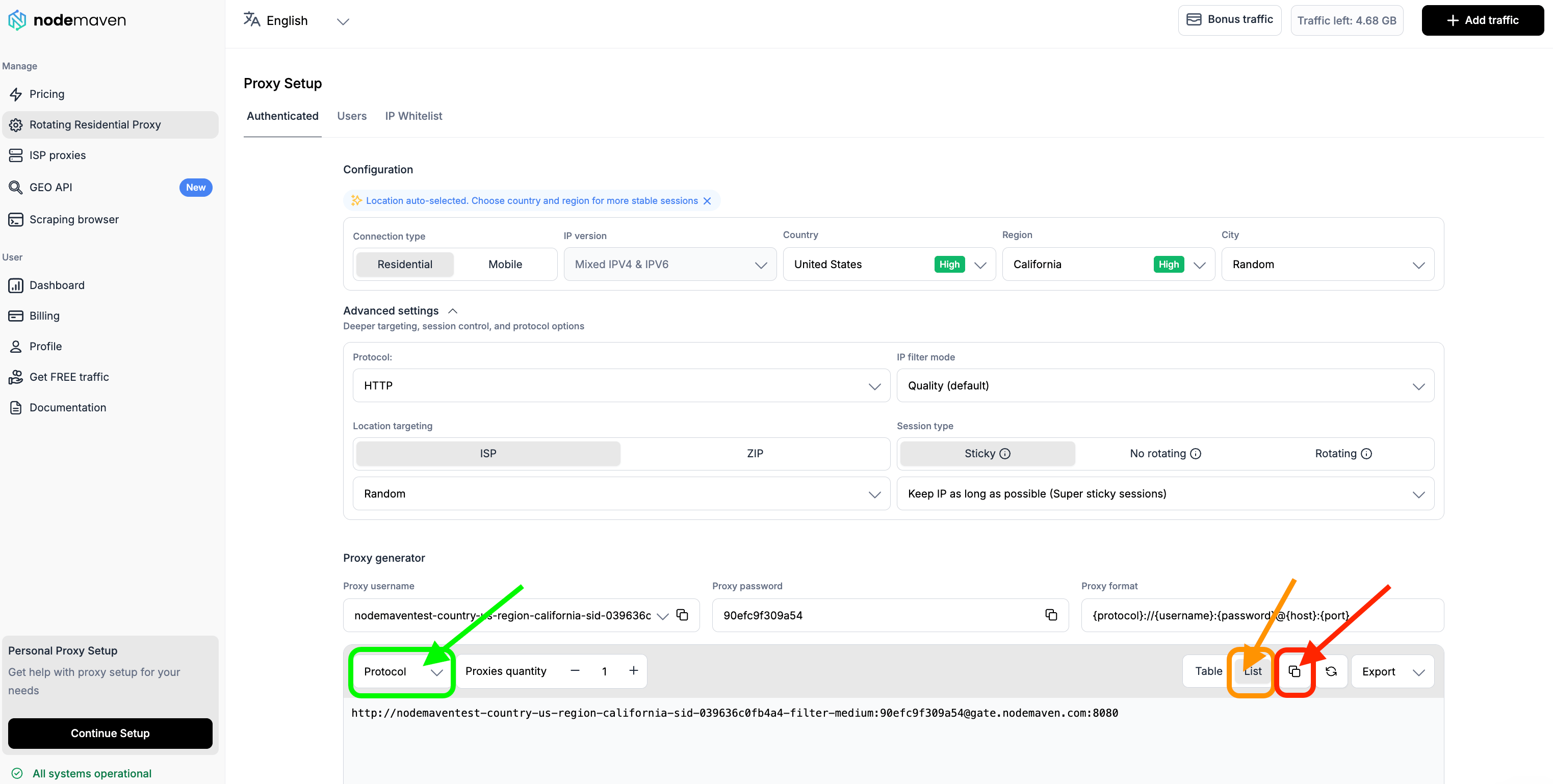
PASSWORD with your own proxy password. For what each part of the username means, see Understanding your proxy string.
Run it
- Windows
- macOS
- Press Windows key + R to open the Run dialog.
- Type cmd and press Enter to open the Command Prompt.
- Paste the curl command and press Enter.
Read the result
A result where the proxy string is live looks like this:

Common curl errors
Don’t hesitate to contact support if you have any questions.