

UDP support by product
Using UDP on a Residential proxy
- Click Residential & Mobile in the left navigation. The page is headed Proxy Setup.
- On the Authentication tab, select the Residential card.
- In the Configuration panel, set Protocol to SOCKS5.
- Turn on Enable UDP support.
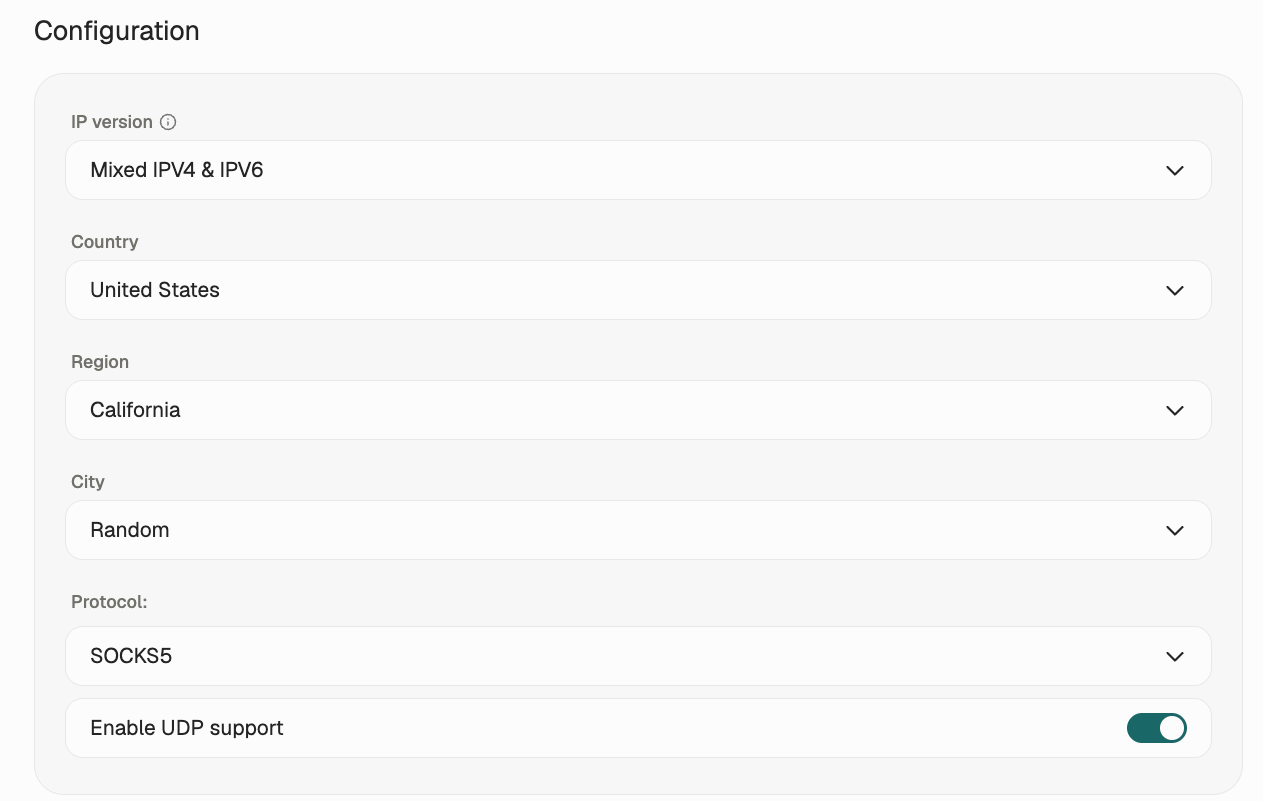
QUIC on a Residential proxy over HTTP
QUIC is the UDP-based transport used by HTTP/3. Residential proxies can carry QUIC traffic over the HTTP protocol:- On the Authentication tab, select the Residential card.
- Set Protocol to HTTP.
- Turn on Enable QUIC support.
Using UDP on an ISP proxy
UDP relates to SOCKS5, so pick SOCKS5 as the protocol when you buy. Each ISP order is set to either HTTP or SOCKS5 at purchase. An ISP proxy connects to the IP itself, not togate.nodemaven.com. The format is IP:Port:Username:Password.